


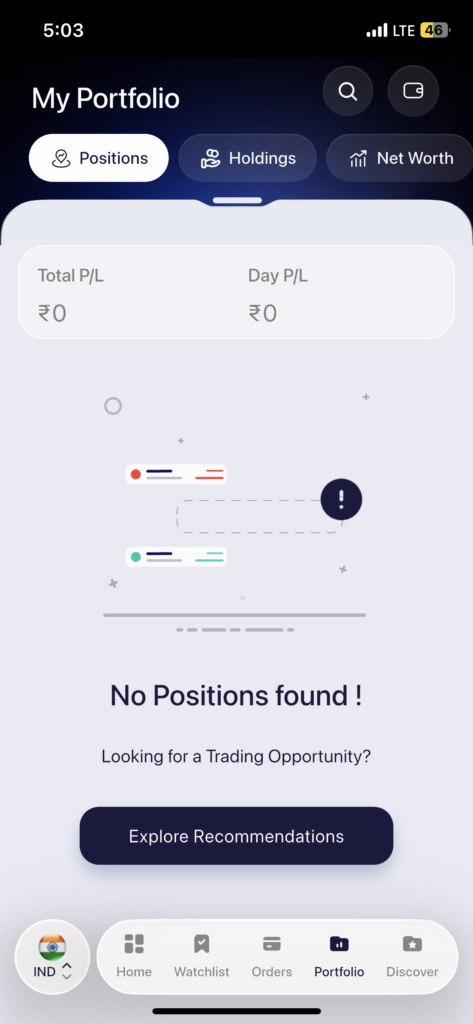
Your portfolio is one of the most frequently visited sections of the Samco app, and accessing it takes just one tap. At the bottom of the app, you will find the navigation bar with five options – Home, Watchlist, Orders, Portfolio, and Discover. Tap on Portfolio and you will land on the My Portfolio screen.
The Portfolio section is divided into three tabs:
Positions This tab shows all your active trades for the current trading day. If you have placed any Intraday or F&O trades that are still open, they will appear here along with their real-time P&L. The screen shows two key figures at the top – Total P&L and Day P&L so you always know where your active trades stand.
Holdings This tab shows all the stocks you currently hold in your Demat account. These are shares bought on a Delivery basis that you are holding for the medium or long term. The Holdings screen displays your Total Value, Invested Value, Total P&L, and Day P&L so you can see both how much you have put in and what it is worth today.
Net Worth This tab gives you a broader view of your overall financial worth. It consolidates your total investments and assets minus any liabilities to show you your true net worth. You can also track how your wealth has grown over time from this tab.
 Easy & quick
Leave A Comment?