


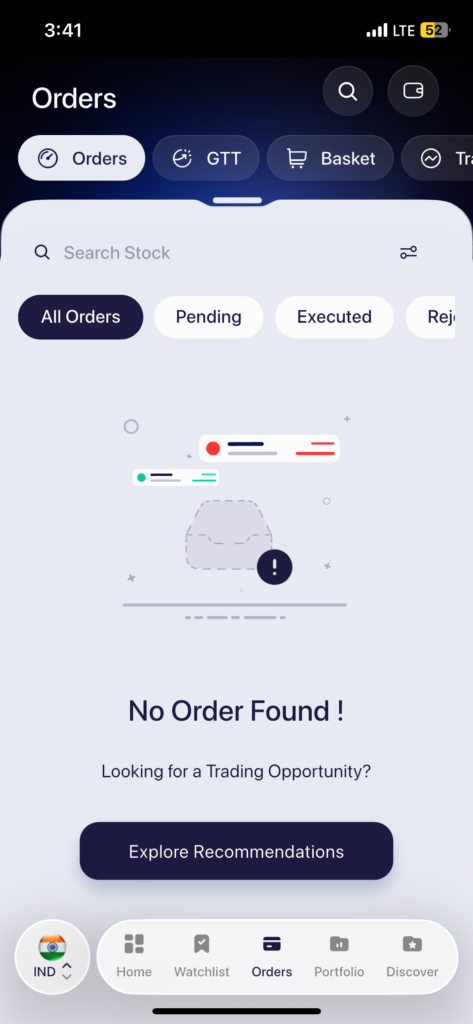
All your orders for the day are available in the Orders tab. Here is how to access it:
- Tap Orders in the bottom navigation bar
- You will land on the All Orders view by default, which shows every order placed during the day
- Use the filter tabs at the top — Pending, Executed, Rejected to sort orders by their current status
- Tap on any order to view its full details, including order type, quantity, price
- You can also use the Search bar at the top of the Orders screen to quickly find an order for a specific stock
 Easy & quick
Leave A Comment?