


How can I register for a webinar on the Partner Portal?
You can register for any upcoming session in a couple of clicks.
Where to find it: Webinars > View Details > Register
Steps
- Open Webinars and find the session.
- Click View Details to see the date, time, what the session covers and the session link.
- Click Register.
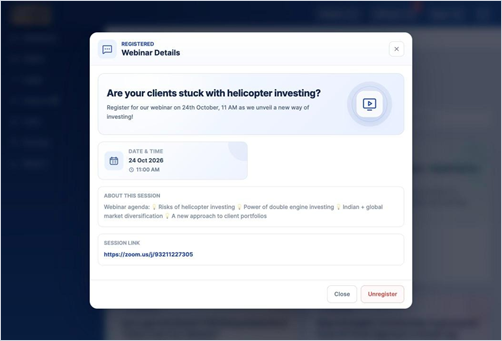
Good to know
- Sessions you have registered for appear in the Registered tab.
Still have questions? We've got you
Just raise a ticket and our support team will get back to you with exactly what you need.