


How can a non-individual entity verify its bank account during empanelment on the Partner Portal?
The entity’s bank account is verified through Digio, and a cancelled cheque is required.
Where to find it: Empanelment (non-individual) > Bank Details
Steps
- Choose how to verify: UPI Based authentication, or Manually entering Bank account number and IFSC code.
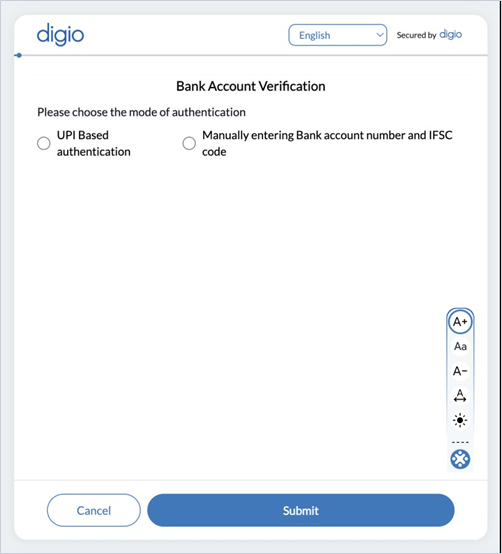
- Complete the verification. When you enter the IFSC, the bank name is fetched automatically.
- Upload the entity’s cancelled cheque.
Still have questions? We've got you
Just raise a ticket and our support team will get back to you with exactly what you need.