


I am a Mutual Fund only partner, how can I activate Broking on the Partner Portal?
If you are empanelled only for Mutual Funds, you can activate Broking from your dashboard. Most of your details are already with us, so it takes only a few steps.
Where to find it: Dashboard > Broking (left menu)
Steps
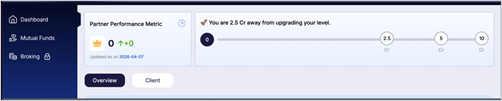
- On your dashboard, click Broking in the left menu.
- Your PAN is already filled in. Click Proceed to complete the Digio KYC through DigiLocker.
- Confirm your PAN and Aadhaar details.
- Check the bank details already registered with us and confirm.
- Add a nominee if you wish (optional).
- Complete the e-sign. A Thank You page confirms your request.
Still have questions? We've got you
Just raise a ticket and our support team will get back to you with exactly what you need.