


How can I verify my email ID during empanelment on the Partner Portal?
You can verify your email ID with an OTP, or sign up with your Google account.
Where to find it: Empanelment > Verify your Email Id
Steps
- Enter your email ID and click Verify Email Id.
- Enter the OTP sent to your email ID and click Verify OTP.
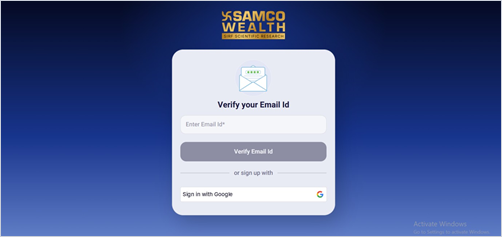
- Or, click the Google option under or sign up with to verify using your Google account.
Good to know
- Use an email ID you check regularly. Updates on your application are sent there.
- If you plan to distribute mutual funds, use the mobile number and email ID registered with your ARN to avoid a mismatch later.
Still have questions? We've got you
Just raise a ticket and our support team will get back to you with exactly what you need.