


How can I verify my mobile number during empanelment on the Partner Portal?
Your mobile number is verified with a one-time password (OTP).
Where to find it: samcowealth.com > Empanel with SAMCO > Mobile OTP Verification
Steps
- Enter your mobile number and click Get Empanelment Now.
- Enter the 4-digit OTP sent to your mobile number.
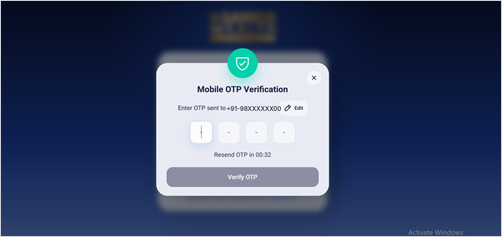
- Click Verify OTP.
Good to know
- Entered the wrong number? Click Edit next to the number.
- Did not get the OTP? Click Resend OTP once the timer ends.
Still have questions? We've got you
Just raise a ticket and our support team will get back to you with exactly what you need.